Scroll
10 click voices. Fast scrolls tighten and soften into a freewheel. Vertical and horizontal.
Nock gives every scroll, keystroke, click, drag and swipe its own sound and haptic. Quietly, in your menu bar.
Live demo
Scroll, type, click, drag, swipe — right here. Browsers can't produce haptics, so this demo is sound-only. The trackpad vibration is something you'll only feel in the app.
Features
10 click voices. Fast scrolls tighten and soften into a freewheel. Vertical and horizontal.
Two mechanical profiles. Every key — Shift, Command, Fn, the whole F-row — has a sound.
8 themes. Click, double-click and right-click each have their own voice.
Continuous ambient whoosh while dragging, with a soft landing on drop.
Three-finger swipes between desktops and pages get a directional whoosh. 8 themes.
Motion-coupled taps on Force Touch trackpads. Ten timbres. Independent from sound.
Privacy
Nock reads only the timing of a key press and a coarse category — is it space, return, delete, or other. It never reads which letter.
No logs. No key buffer. No files written that describe your input, ever.
The only network request Nock ever makes is checking for its own updates. That's the whole list.
How we prove it: the code path for keys reads the event type and modifier flags — never the character. That's it.
Why isn't it on the Mac App Store?
The App Store requires the App Sandbox, which forbids the system-wide event monitoring Nock is built on. Every app of this kind — Rectangle, Karabiner-Elements, BetterTouchTool — is distributed directly for the same reason. Nock is signed with a Developer ID and notarized by Apple, so it opens with no warnings.
Install
A guided, friction-free install — signed & notarized so macOS trusts it on first launch.
Tiny 2.8 MB universal binary. Apple Silicon & Intel.
Open the .dmg, drag the icon across, then eject the disk image.
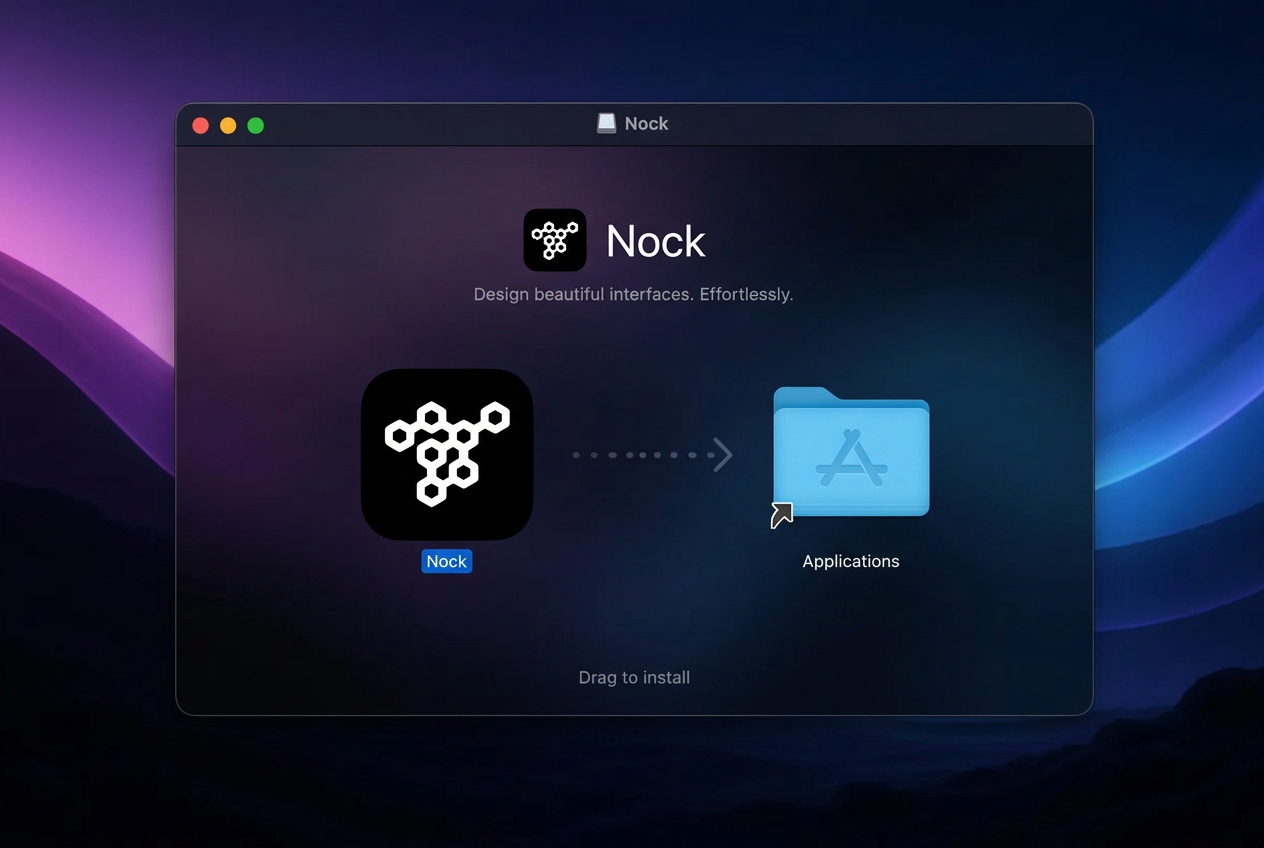
Notarized by Apple, so it just launches — no scary Gatekeeper warnings.
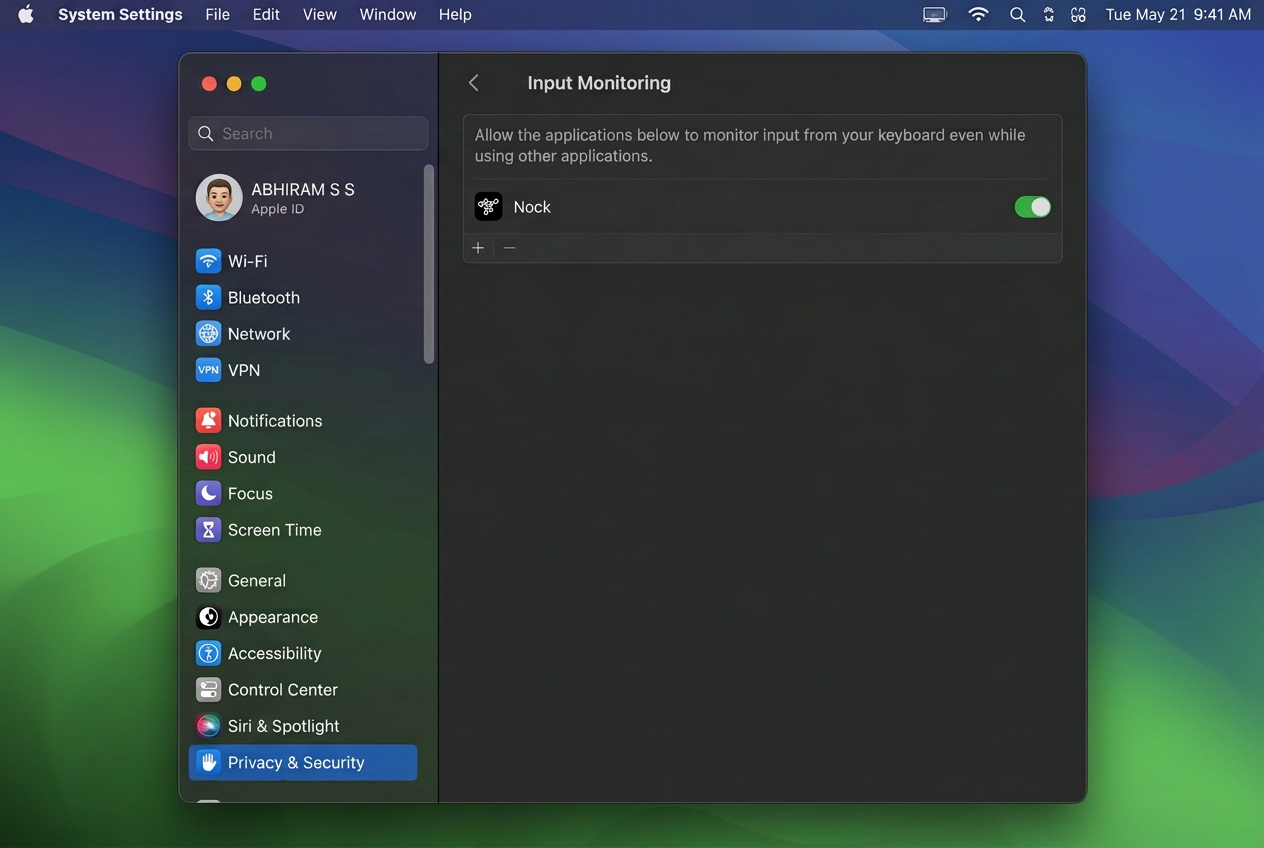
In System Settings → Privacy & Security, add Nock under:
Scroll, mouse, drag and gesture sounds.
Keyboard sounds. Without it, typing is silent.
 Accessibility
Input Monitoring
Accessibility
Input Monitoring
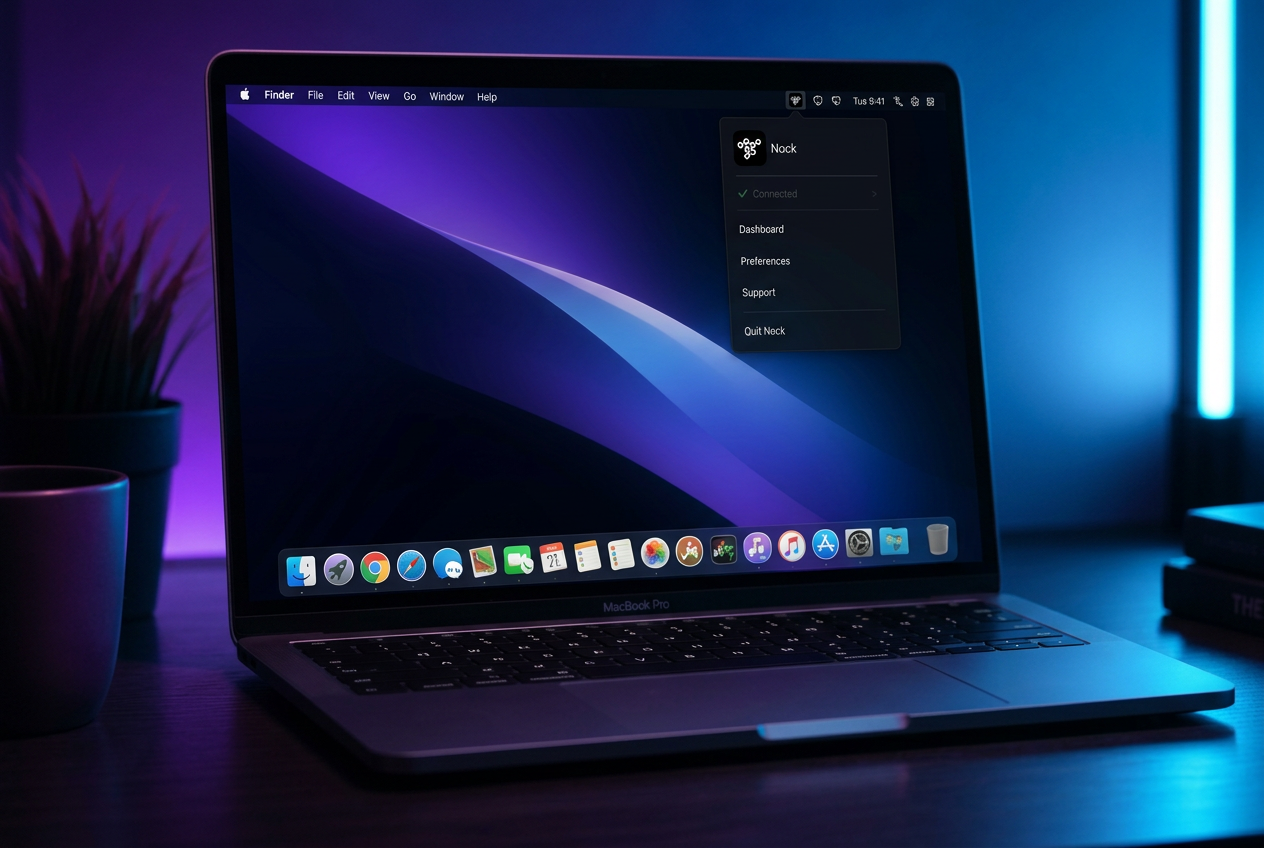
Click the hex icon to choose sounds, themes and haptic feel.
Troubleshooting
You granted Accessibility but not Input Monitoring — they're separate permissions. Add Nock under System Settings → Privacy & Security → Input Monitoring, then quit and reopen Nock.
Check Accessibility is granted. Check the menu-bar icon isn't dimmed (dim means disabled). Check that Interaction Sounds is on in the menu.
Haptics need a Force Touch trackpad — any modern MacBook, or a Magic Trackpad. An external mouse can't produce them. Also check Haptic Feedback is on — it's a separate switch from sounds.
Use a three-finger swipe. Requires Accessibility.
Nock follows the audio device automatically. If it doesn't switch over, quit and reopen.
Yes. Sound and haptics are fully independent — turn off Interaction Sounds and leave Haptic Feedback on. All four combinations work.
You have an old build. The current release is notarized by Apple and opens normally. Re-download from this page.